Environment Variables
The Environment Variables section allows you to securely store and manage sensitive configuration data for your project, such as API secrets, database credentials, or external service keys. By using environment variables, you can keep sensitive information out of your codebase while making it accessible to your application at runtime.
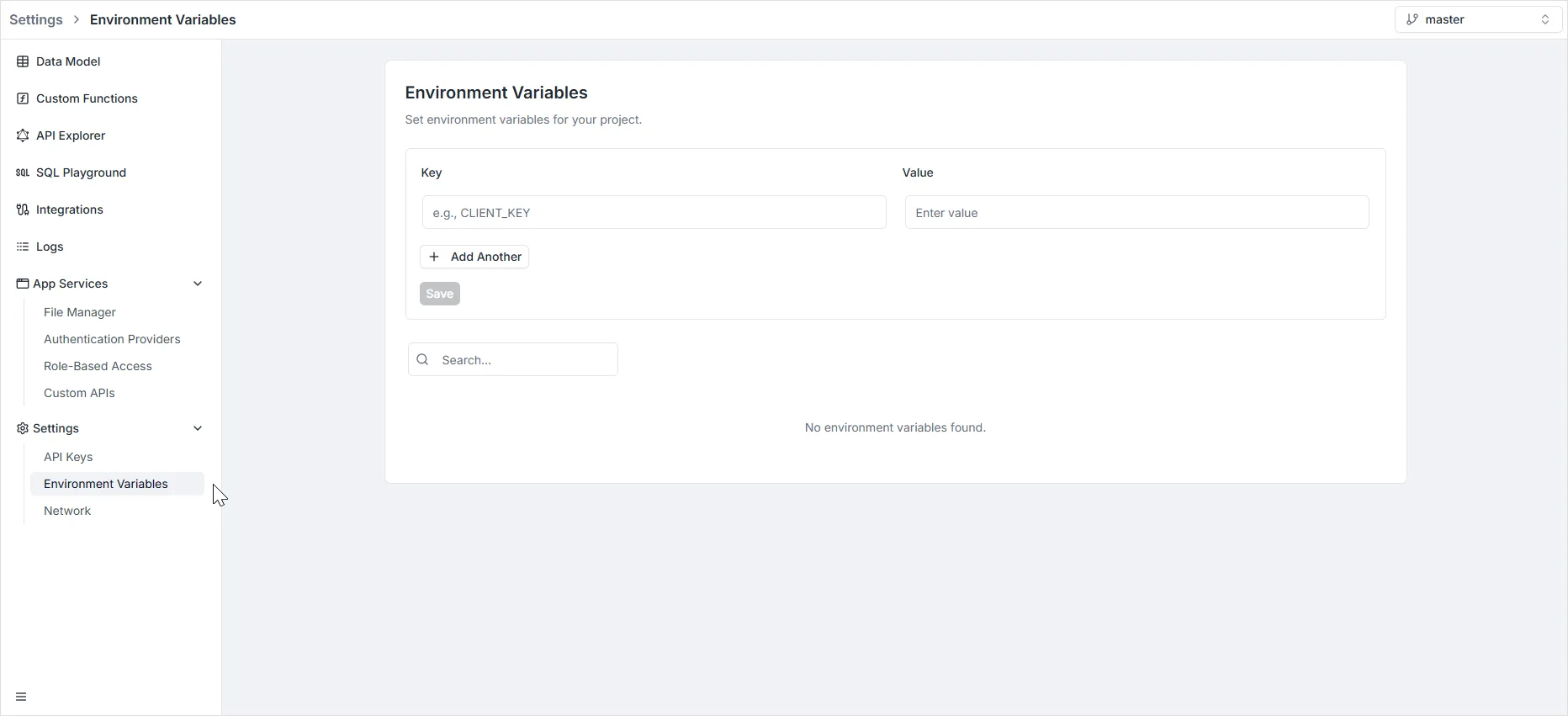
To access this section, navigate to Settings > Environment Variables in the left-hand sidebar menu.
Managing Variables
Section titled “Managing Variables”The dashboard provides a simple interface to define key-value pairs that will be injected into your application’s environment.
Adding a New Variable
Section titled “Adding a New Variable”- Key: Enter the name of the variable in the Key field (e.g.,
CLIENT_KEY,API_SECRET). It is standard practice to use uppercase letters and underscores. - Value: Enter the corresponding value in the Value field. This is the actual data that will be retrieved when referencing the key.
- Add Another: If you need to define multiple variables at once, click the + Add Another button to generate additional input rows.
- Save: Click the grey Save button to persist your changes.
Searching
Section titled “Searching”If you have a large list of variables, you can use the Search… bar located below the input fields to quickly filter and find specific keys.