Twilio
Twilio is a cloud communications platform that enables applications to programmatically send and receive SMS, voice calls, and messages. Integrating Twilio allows your application to handle user verification codes, notifications, and other communication workflows.
Configuration Steps
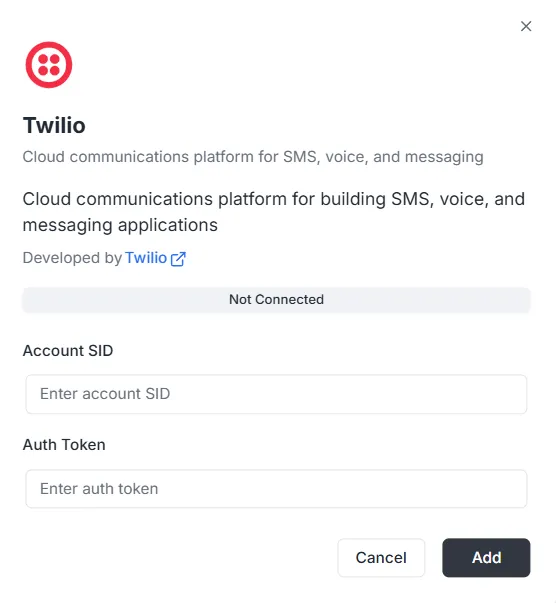
Section titled “Configuration Steps”After selecting Twilio from the integration list, a configuration modal will appear. You must provide the following credentials from your Twilio Console to establish the connection:
1. Account SID
Section titled “1. Account SID”- Input: Enter your unique Account SID (usually starting with
AC...) into the Account SID field. This acts as your username for the API.
2. Auth Token
Section titled “2. Auth Token”- Input: Enter your secret Auth Token into the Auth Token field. This acts as your password for API requests.
Finalizing the Connection
Section titled “Finalizing the Connection”Once the credentials are entered:
- Review the status bar (currently showing Not Connected).
- Click the black Add button at the bottom right to save the credentials and activate the communication service.